
MISSION BRIEFING
Welcome to Mission UX
This isn't a course where you simply learn about UX. You'll step into realistic case projects, investigate user problems, make decisions, build solutions, and see how your thinking holds up.
Choose your path, work through the evidence, and discover how AI can support your process without making the decisions for you.

CHOOSE YOUR PATH
How Do You Want to Work the Mission?
Mission UX gives you two ways to work through each case. Choose the level of guidance that matches how you want to learn and work.
Different paths. Same goal: make UX decisions you can support with evidence.
CHOOSE YOUR CASE
Every Mission Starts With a Different Challenge
Mission UX puts you inside different digital experiences. Each case gives you a new problem to investigate and a different set of users, evidence, and decisions to work through.
Coffee Café
Loyalty Experience
Coffee Café
Customers are using a café loyalty experience, but parts of the journey aren't working as smoothly as expected.
Your mission: Investigate the experience and determine where the UX needs attention.
Donation
Giving Experience
Donation
A digital donation experience should feel simple and trustworthy, but parts of the journey may create friction.
Your mission: Examine the giving experience and identify where donors may encounter friction.
Momentum Fitness
Scheduling Experience
Momentum Fitness
Members need a smoother way to manage their fitness schedule and complete important scheduling tasks.
Your mission: Investigate the scheduling experience and identify where members may need more support.
PageTurn Books
Checkout Experience
PageTurn Books
Shoppers are trying to move from finding a book to completing their purchase, but the checkout journey needs closer investigation.
Your mission: Examine the checkout experience and identify where shoppers may encounter friction.
Different cases. Different challenges. The UX process connects them all.
MISSION PROCESS
See How a Mission Unfolds
Every case moves through the same decision cycle, but the evidence, activities, and level of independence change as you work the mission.
Investigate
Start with the evidence. What is happening, and what do you actually know?
Investigate
Review user evidence, behaviors, clues, and research to separate what is supported from what still needs to be investigated.
Decide
Turn what you learned into a UX direction you can support.
Decide
Define the problem, make evidence-based decisions, and explain why your direction makes sense before moving forward.
Respond
Turn your reasoning into something users can experience.
Respond
Create UX artifacts, design responses, or working prototypes that address the problem you identified.
Validate
Find out whether your solution actually improves the experience.
Validate
Test your thinking, evaluate the experience, use feedback, and adapt when the evidence points you in a different direction.
AI SUPPORT
AI Supports the Mission. You Make the Decisions.
AI is built into the Mission UX experience as a thinking partner. You'll use it to review, question, and strengthen your work while keeping the UX decisions in your hands.
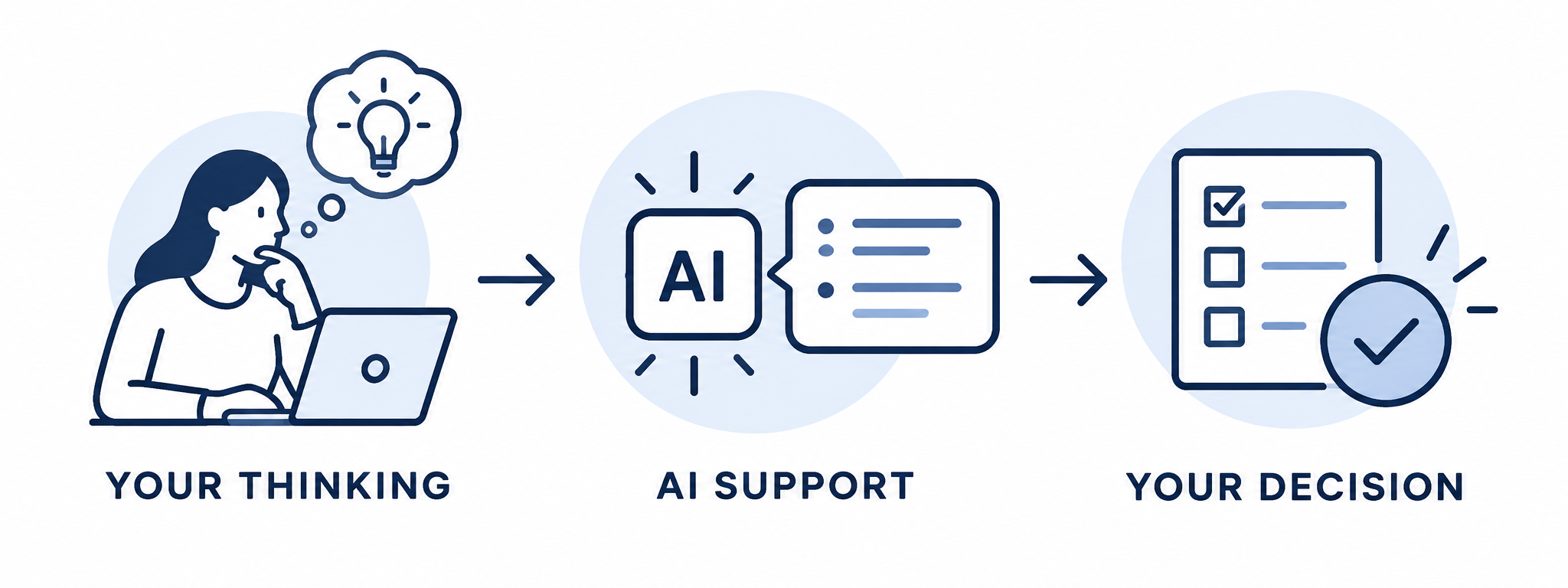
Challenge Your Thinking
Ask AI to review personas, problem statements, design decisions, and other mission work for gaps or unsupported assumptions.
Evaluate the Feedback
Compare AI feedback with the case evidence and decide whether you agree, revise your work, or keep your original direction.
Support the Build
As missions become more advanced, AI can help you work through code and prototype development while you remain responsible for testing the experience and making UX decisions.
AI can suggest. AI can question. AI can help you build. The evidence still drives the decision.
WHAT'S AHEAD
This Was Only the Briefing
Inside Mission UX, you'll take what you just previewed much further. Each case builds your ability to investigate, make decisions, create solutions, and validate your thinking.
Work Realistic UX Challenges
Work Realistic UX Challenges
Move through Coffee Café, Donation, Momentum Fitness, and PageTurn Books as each case introduces a different experience and problem to solve.
Choose How Deep You Go
Choose How Deep You Go
Build your skills with the guided Rookie path or take on more independence, working solutions, and deeper reasoning as a Field Agent.
Build More Than Answers
Build More Than Answers
Create personas, problem statements, UX decisions, prototypes, evaluations, and other artifacts as the missions progress.
Use AI With Purpose
Use AI With Purpose
Use AI to challenge your assumptions, review your work, support prototype development, and strengthen your reasoning without handing over the UX decision.